
Teacher
Runs in the browser · local-first
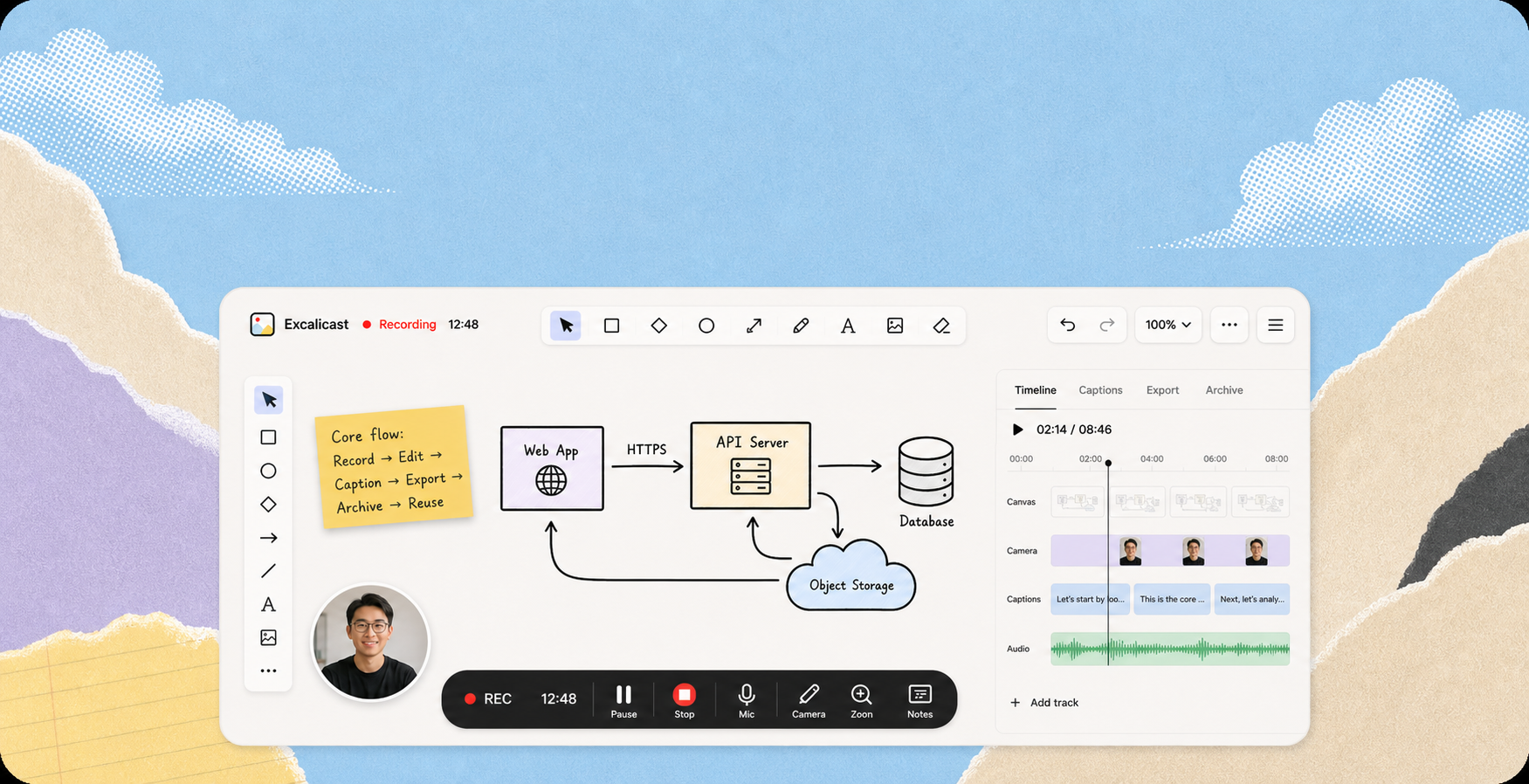
Excalicast keeps the shape of a walkthrough: canvas, voice, rhythm, and versions. After recording, it can still be shaped, exported again, and returned to a place you can search.
No download. No need to hand over the work.
Canvas, voice, and timing stay in one structure.
Cuts, frames, and versions still belong to the same take.
Speech becomes text you can read, refine, and publish.
The same source can travel to different platforms.
What you explained returns to a place you can find.
Teacher

Architect

Product manager

Creator

Course team

Team
Record
Excalicast records canvas events and microphone audio, not pixels. What remains is the explanation itself, not a screen recording interrupted by windows and alerts.
Open the recorderOrganize
Timeline edits, frames, captions, and export settings stay together. The work after recording does not need a second workflow.
See the workflowDistribute
The same recording can render as landscape, vertical, square, and social cuts. Platforms change; the source does not need to be recorded again.
Record onceOne recording can become every format your channels need.
Archive
Titles, tags, time, and local/cloud state become an index. What you explained is no longer scattered or left to memory.
Open the libraryCloud saved
Local first
Cloud saved
Local first
Publish
Captions, outlines, handouts, share links, and watermark-free exports all orbit the same recording. Before it leaves the workspace, it already has a home.
See publishing optionsWatermarked exports stay with rendering. Upgrade to publish clean versions.
Pricing
Record occasionally, or make it part of a daily content workflow. Start free, then upgrade when publishing and reuse matter.
Start
Record · MP4 with watermark · PNG/SVG snapshot · local replay
Watermark-free MP4 · no account · re-export any ratio
Local-first recording, pricing, exports, captions, and cloud backup — explained without making you hunt.
Excalicast is a browser-based whiteboard recorder built on Excalidraw. It captures your hand-drawn canvas plus voice and produces up to four publishable assets from a single recording: an MP4 video, auto SRT captions, an auto chapter outline, and a Markdown / PDF handout.
Yes. The free tier records unlimited length and exports a watermarked MP4 with no sign-up. A one-time payment of $4.99 lifts the watermark for a recording; Pro and Max monthly plans add auto captions, cloud backup, AI handouts and share links.
Excalicast records the canvas event stream — every stroke, shape and move — not pixels off your screen. Other windows, system notifications, and even minimizing the browser don't pollute the final video. Loom and OBS record pixels; we record events.
By default, no. Recordings live in your browser's IndexedDB and the MP4 renders locally. Only opt-in features briefly use the network: captioning (audio sent to Alibaba Qwen ASR, then deleted), cloud backup (Pro/Max), and share links (Max — sends events, not the MP4).
Landscape (16:9, 4:3, 21:9, 16:10, 3:2), portrait (9:16, 4:5, 3:4, 2:3), square (1:1), and fully custom pixel dimensions. The crop frame locks at recording start, so the same take exports to any ratio without reframing.
Email support@excalicast.cn — a real human responds within 24 hours on business days. No chatbots, no ticketing labyrinth.
Record, shape, export, share, and archive from one Excalicast workspace.